Alternative guide
Tekmetric Alternatives for Canadian Auto Repair Shops
A Tekmetric alternatives search should start with fit: cost, onboarding, must-have integrations, and daily workflow.
- Guide topic
- Tekmetric alternatives Canada
- Updated
- May 26, 2026
Alternative fit matrix
Use your real shop constraints to decide whether broad platform depth or focused simplicity matters more.
Depth
Platform breadth
Time
Launch effort
Fit
Canadian context
01 / Fair comparison
Start by naming the workflow you are trying to improve
Tekmetric's official feature overview emphasizes a broad shop management platform with repair orders, inspections, inventory, reporting, and customer communication. If your shop needs that breadth, compare it directly. If your pain is disconnected booking, jobs, invoices, and payments, a focused platform may be easier to adopt.
- List must-have integrations before booking demos.
- Separate daily operating needs from nice-to-have reporting depth.
- Ask each vendor to run the same job from booking to paid invoice.
Tekmetric alternative scorecard
Pricing
Ask this
What is the monthly cost in CAD after required add-ons?
Why it matters
Budget clarity prevents surprise upgrades.
Onboarding
Ask this
How long before the front desk can use it live?
Why it matters
Adoption risk is part of total cost.
Workflow
Ask this
Can one record move from booking to payment?
Why it matters
Disconnected tools create rework.
Support
Ask this
Who helps when the first live week gets busy?
Why it matters
Small teams need practical help.
02 / Canadian buyer
CAD pricing and local fit can change the shortlist
Canadian independent shops should not treat a US software comparison as complete until currency, payment processing, tax workflow, support hours, and data import expectations are understood.
- Confirm currency and contract terms.
- Ask whether customer and vehicle import is included or scoped separately.
- Compare how each system handles invoices, payments, and customer history.
Migration questions
Export access
DataCan you export customers, vehicles, invoices, and service notes?
Open work
TimingHow will active jobs and unpaid invoices be handled?
Training
PeopleWho trains advisors and technicians?
Fallback
RiskWhat happens if launch week is too busy?
03 / Strut fit
Where Strut differs
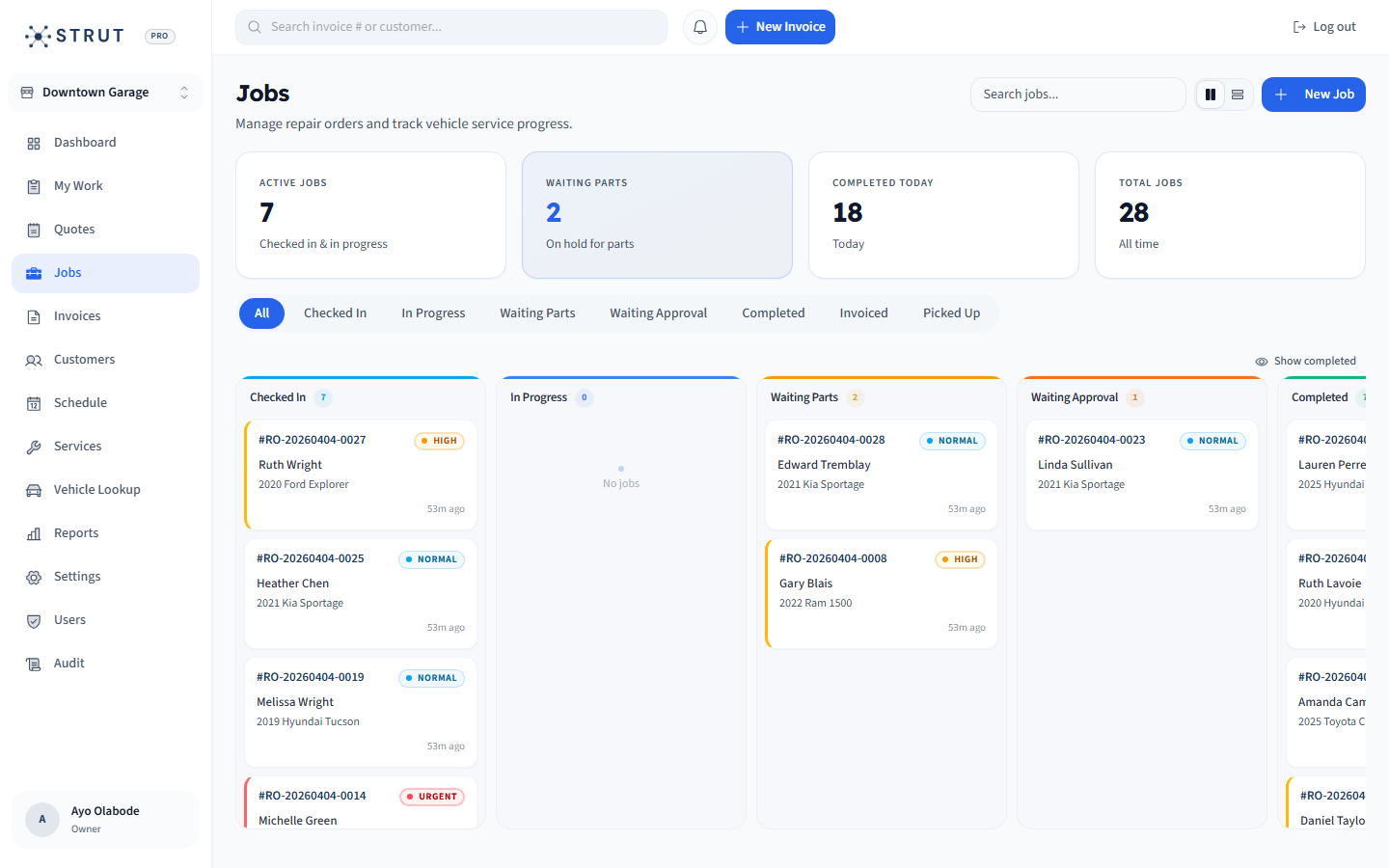
Strut is a focused Canadian-built option for shops that want booking, scheduling, repair orders, CRM, invoices, online payments, and reporting connected under clear $40 CAD/month launch pricing.
- Best fit when simple pricing and a practical operating loop matter most.
- Strong for shops moving away from spreadsheets or disconnected tools.
- Not built as a full replacement for every advanced enterprise workflow.
Buying questions
Clear answers for shop owners.
Short answers to the questions shop owners usually ask before they book a walkthrough.
What should I compare when looking for Tekmetric alternatives?
Compare required workflows, implementation effort, pricing currency, integrations, support, data import, reporting needs, and how each system handles a job from booking to payment.
Is Strut a Tekmetric replacement?
Strut can replace disconnected booking, CRM, invoicing, payment, and repair order workflows for many independent shops, but shops needing specific advanced Tekmetric features should compare those requirements directly.
Why does Canadian pricing matter?
CAD pricing helps Canadian shops compare true monthly cost without currency conversion surprises and makes budgeting simpler.
Sources reviewed
Research behind this guide
Map this to your shop