Alternative guide
Shopmonkey Alternatives for Small Auto Shops
Small shops should compare software by how quickly the team can run the daily workflow inside it.
- Guide topic
- Shopmonkey alternatives small auto shops
- Updated
- May 26, 2026
Small-shop complexity filter
A small crew needs software that reduces decisions during a busy day.
Adoption
Can use today
Growth
Can grow into
Waste
Will not maintain
01 / Small-shop fit
Do not buy a workflow your team will not maintain
Shopmonkey's pricing page lists multiple tiers and add-ons. That can be useful for shops with broader needs, but smaller teams should be honest about what they will use every day after the sales demo is over.
- Choose software around the owner, advisor, and technician habits you actually have.
- Prioritize the screens used for booking, job status, invoice, and payment.
- Avoid paying for complexity before the core workflow is stable.
Front-desk workflow comparison
Find a customer
Small-shop need
Search by name, phone, vehicle, or VIN.
What to verify
No spreadsheet fallback required.
Answer job status
Small-shop need
Advisor can see next step quickly.
What to verify
No bay walk required for basic updates.
Send invoice
Small-shop need
Invoice carries repair context.
What to verify
Payment link and paid state are visible.
Repeat visit
Small-shop need
Vehicle history is easy to read.
What to verify
Deferred work is not buried.
02 / Feature priority
Prioritize the workflow before the vendor name
The right small-shop system should make the next action obvious. If a product has more features but the front desk hesitates during basic tasks, the feature list is not helping the business yet.
- Score the first 10 minutes of use, not just the final dashboard.
- Ask whether appointment scheduling and CRM are included or add-ons.
- Confirm whether the plan you need is monthly, annual, or custom.
Feature-priority checklist
Booking
HighCan customers request service without a call?
Job board
HighCan the team see active work and blockers?
Invoice and payment
HighCan the job close without duplicate entry?
Advanced modules
OptionalWill the team actually maintain them weekly?
03 / Strut fit
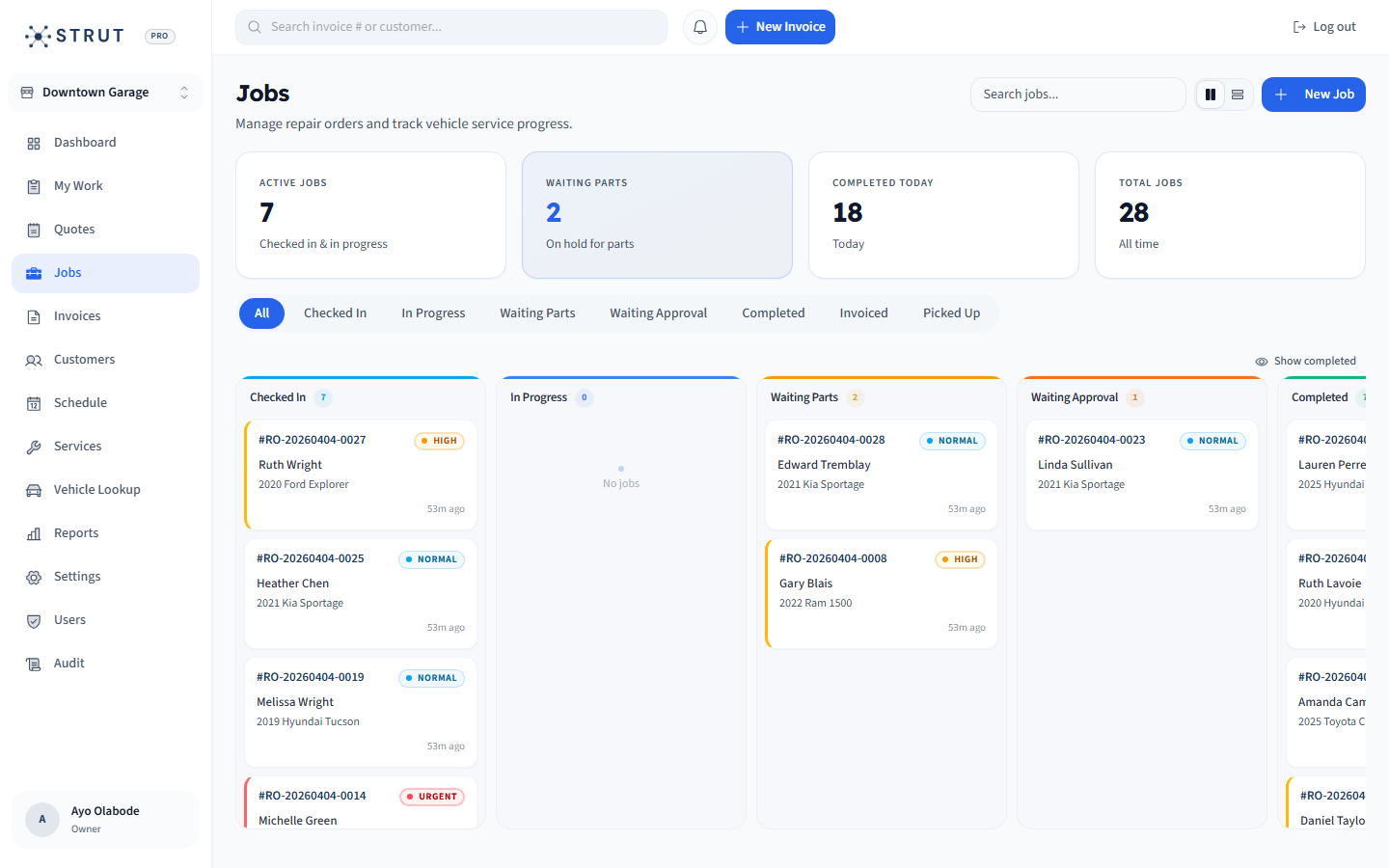
Strut is built for the core loop
Strut gives small Canadian repair shops booking, scheduling, repair orders, CRM, invoices, online payments, and reporting in one connected platform with clear $40 CAD/month launch pricing.
- Strong fit for shops that value fast adoption and clear pricing.
- Useful when the current stack is calendar plus invoice tool plus spreadsheet.
- Compare carefully if advanced inventory, inspection, or marketing modules are mandatory today.
Buying questions
Clear answers for shop owners.
Short answers to the questions shop owners usually ask before they book a walkthrough.
What should small shops compare when looking at Shopmonkey alternatives?
Compare the daily workflow, tier pricing, required add-ons, setup effort, support, data import, and whether the front desk can use the software quickly.
Is a bigger feature list always better?
No. A bigger feature list only helps if the team adopts and maintains those features. Small shops often benefit from a simpler connected workflow first.
Why consider Strut?
Strut is a focused Canadian-built platform for shops that want booking, jobs, CRM, invoicing, payments, and reporting without a heavy setup project.
Sources reviewed
Research behind this guide
Map this to your shop