Migration guide
How to Move From Spreadsheets to Shop Management Software
Moving off spreadsheets works best when you migrate the highest-value data first and keep the daily workflow simple.
- Guide topic
- move from spreadsheets to shop management software
- Updated
- May 26, 2026
Spreadsheet migration roadmap
A controlled migration is easier than a big-bang software switch during a busy week.
Week 1
Clean
Week 2
Import
Week 3
Pilot
01 / Migration order
Start with customers and vehicles, not every historical note
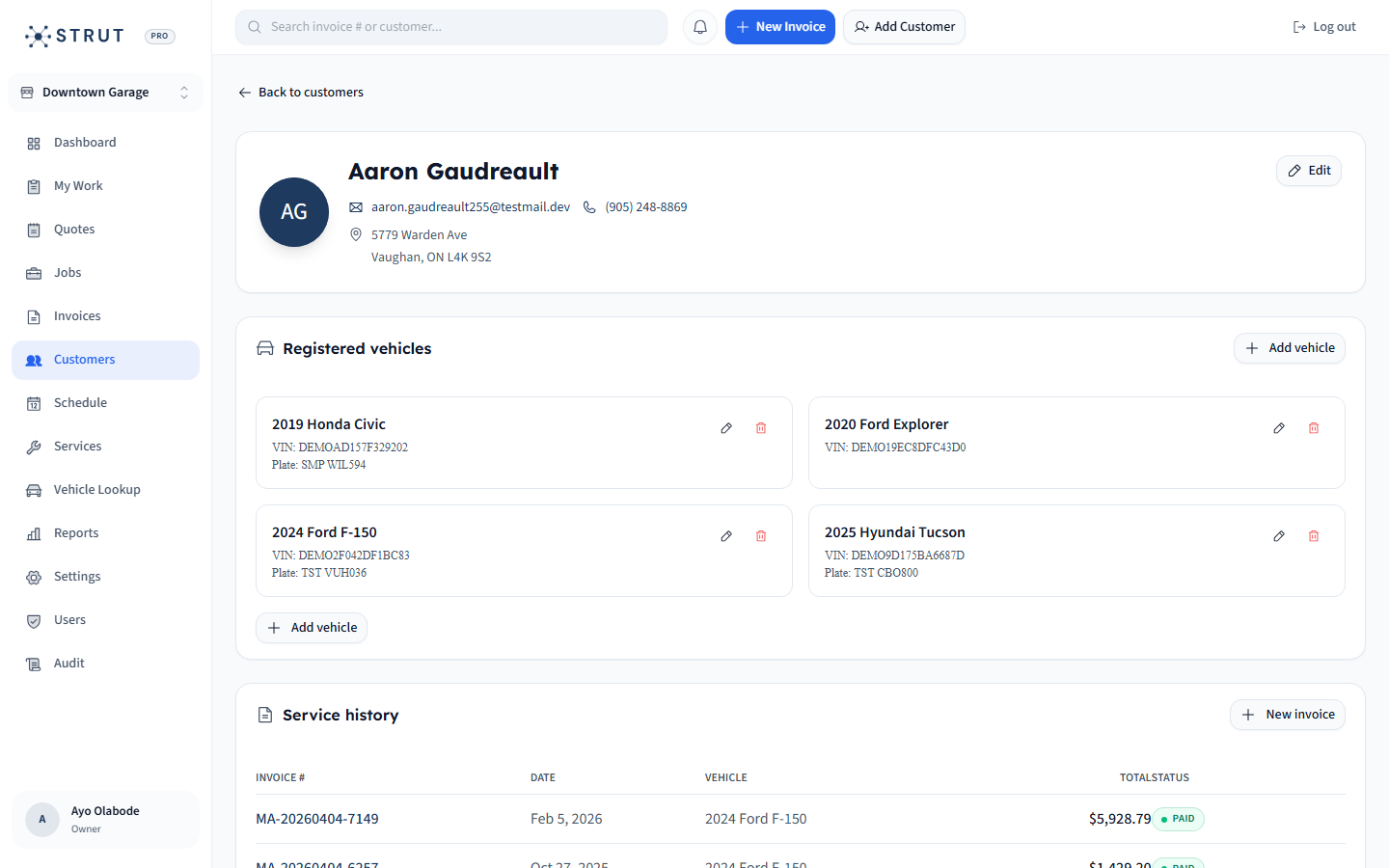
The safest first move is to clean the data the front desk needs every day: customer names, phone numbers, emails, vehicles, VINs, plates, and recent service context. Do not let a perfect-history project delay the operational switch.
- Deduplicate customers before import.
- Normalize phone, email, VIN, plate, year, make, and model fields.
- Bring over recent or high-value service history first.
CSV import checklist
Customers
RequiredName, phone, email, address, notes.
Vehicles
RequiredVIN, plate, year, make, model, mileage.
History
SelectiveRecent invoices, deferred work, last service.
Open money
CriticalUnpaid invoices and active deposits.
02 / Adoption
Move the active workflow in a controlled sequence
The team should not learn every feature at once. Move the workflow in the order the shop experiences it: appointment requests, repair orders, invoices, payments, then reporting and follow-up.
- Run new appointments in the new system first.
- Keep open jobs visible during the transition period.
- Stop duplicate entry as soon as the team trusts search and invoice status.
Phased adoption plan
Phase 1
FoundationImport customers and vehicles; train search and record lookup.
Phase 2
Active workUse booking and repair orders for new work only.
Phase 3
CashSend invoices and payment links from the new system.
Phase 4
StabilizeArchive spreadsheet and audit records weekly for one month.
03 / Risk control
Protect launch week from avoidable surprises
Migration fails when the shop tries to switch tools without deciding who owns data cleanup, which records matter, and how open jobs are handled. Keep the plan small enough that the front desk can execute it during real shop hours.
- Pick one owner for data cleanup decisions.
- Schedule migration outside the busiest seasonal rush if possible.
- Keep a read-only copy of the old spreadsheet for audit and confidence.
Buying questions
Clear answers for shop owners.
Short answers to the questions shop owners usually ask before they book a walkthrough.
What data should a repair shop migrate first?
Start with customers, vehicles, phone numbers, emails, VINs, plates, recent service history, open jobs, and unpaid invoices.
Should we import all historical spreadsheet data?
Not always. Import the records your team will actually use, then archive older spreadsheets for reference if the history is messy or low-value.
How can a shop reduce migration risk?
Clean the data first, use a phased rollout, keep a read-only backup, train the front desk on search and invoice status, and avoid switching during a peak rush week.
Sources reviewed
Research behind this guide
Map this to your shop