Buyer guide
Auto Repair Shop Management Software in Canada: Buyer's Guide
Choosing shop management software is easier when you map the daily operating loop before comparing feature lists.
- Guide topic
- auto repair shop management software Canada
- Updated
- May 26, 2026
The operating loop to evaluate
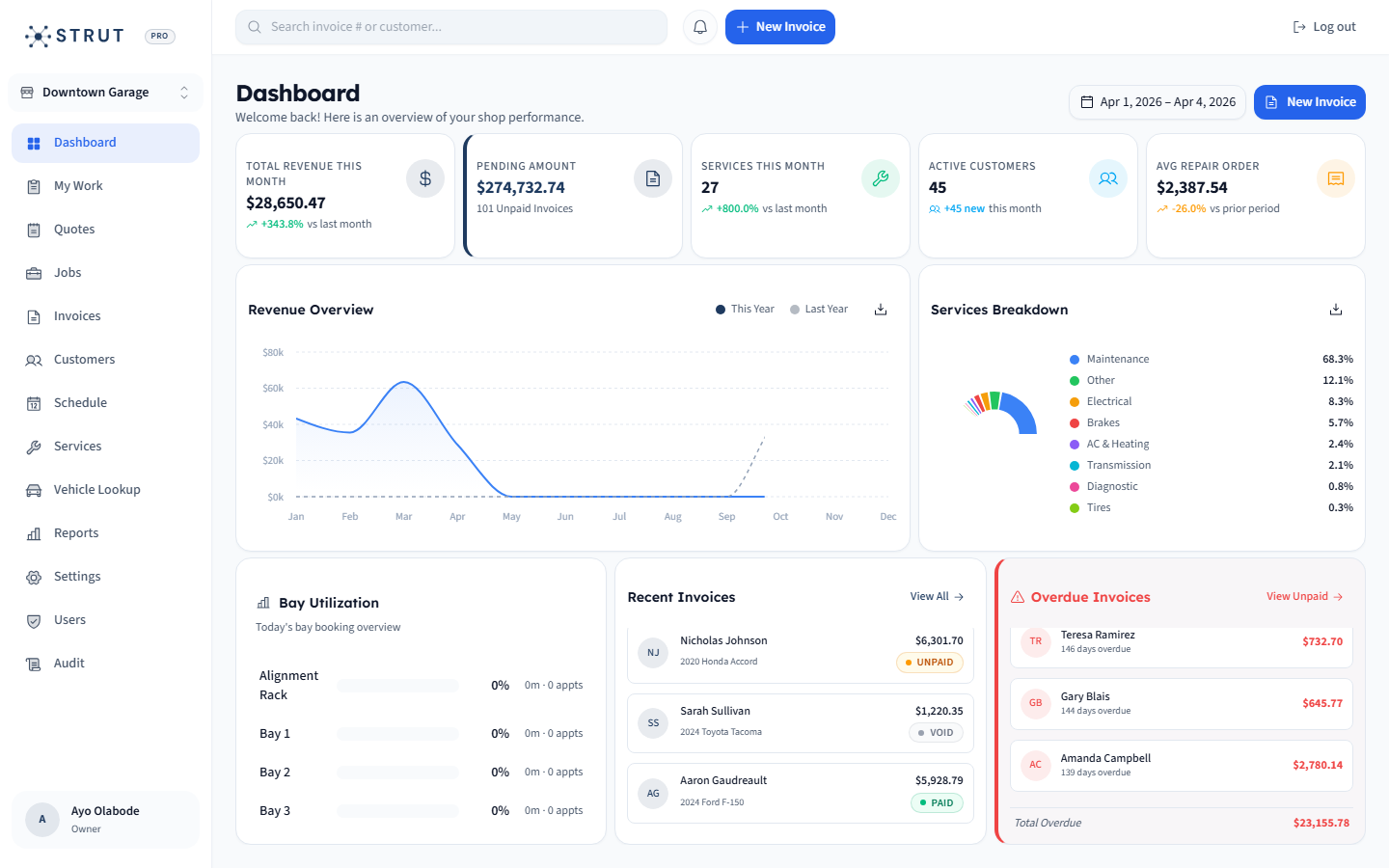
A practical shop system should keep one customer and vehicle record moving through the whole visit.
Intake
Book
Control
Schedule
Work
Repair
01 / Decision frame
Buy the workflow, not the category label
Most software pages use the same words: all-in-one, streamline, grow. A better buyer process is to write down how a job moves through your shop today, then test whether each platform keeps that record connected without duplicate entry.
- Customer and vehicle context should follow the appointment into the repair order.
- Repair status should be visible before a customer calls for an update.
- Invoices and payments should close the same record, not start a second workflow.
Canadian buyer checklist
Use this as the demo script instead of watching a generic product tour.
CAD pricing
CostConfirm currency, user limits, add-ons, and annual discounts.
Data import
LaunchAsk how customer, vehicle, and open invoice data moves in.
Payment flow
CashConfirm invoice links, receipts, processing fees, and paid status.
Support path
RiskKnow who helps the front desk after the first week.
02 / Canadian context
Growing repair revenue makes operating clarity matter
Statistics Canada reported that automotive repair and maintenance businesses generated $26.4 billion in operating revenue in 2023. In a larger, busier market, independent shops need software that protects front-desk time and bay capacity instead of adding another admin layer.
- Prioritize fewer handoffs between phone, calendar, repair board, invoice, and payment tools.
- Look for customer and vehicle history that is searchable by the people answering calls.
- Treat implementation effort as part of the purchase, not an afterthought.
What to compare in each demo
Booking
Question to ask
Can customers request service from the website and Google profile?
Strong answer
The booking lands with customer, vehicle, and service context.
Repair orders
Question to ask
Can the advisor see job state without asking the bay?
Strong answer
Status, assignment, priority, and parts holds are visible.
Invoicing
Question to ask
Can the invoice be created from repair context?
Strong answer
Line items, taxes, payment link, and paid status stay attached.
Reporting
Question to ask
Can owners see the basics without spreadsheet cleanup?
Strong answer
Revenue, open invoices, appointments, and shop activity are easy to read.
03 / Strut fit
When Strut belongs in the conversation
Strut is best for independent Canadian shops that want the front desk, repair board, invoices, payments, CRM, and scheduling in one practical platform with clear $40 CAD/month launch pricing.
- Good fit: small and growing shops that want connected daily operations.
- Good fit: teams moving away from spreadsheets, generic invoice tools, or disconnected calendars.
- Compare carefully if your shop requires a specific labor guide, DVI workflow, or parts integration on day one.
Buying questions
Clear answers for shop owners.
Short answers to the questions shop owners usually ask before they book a walkthrough.
What is auto repair shop management software?
It is software that helps repair shops manage appointments, customers, vehicles, repair orders, estimates or invoices, payments, reporting, and daily shop visibility from one connected workflow.
What should Canadian shops ask before buying?
Ask about CAD pricing, onboarding, data import, payment processing, support, user limits, required add-ons, and whether the system handles the complete booking-to-paid-invoice workflow.
Is Strut only an invoicing tool?
No. Strut includes invoicing, but it is designed as a connected shop operations platform with booking, scheduling, repair orders, CRM, online payments, and reporting.
Sources reviewed
Research behind this guide
Map this to your shop