Shop workflow guide
Auto Repair Invoice Checklist for Canadian Shops
Before sending a repair invoice, check the customer, vehicle, approved work, itemized charges, applicable taxes and payment status. Resolve differences before asking the customer to pay.
Updated · Strut product team
01 / Shop workflow guide
Identify the visit and reconcile the work
Use the repair record and approval history as your starting point. An invoice describes the final charges; it should not silently introduce work the customer did not authorize. Have an advisor review changes before sending.
- Confirm the billing contact, shop details, invoice number and date.
- Match the vehicle identifier and service description to the visit.
- Reconcile parts, quantities, labour, supplies and discounts against completed, authorized work.
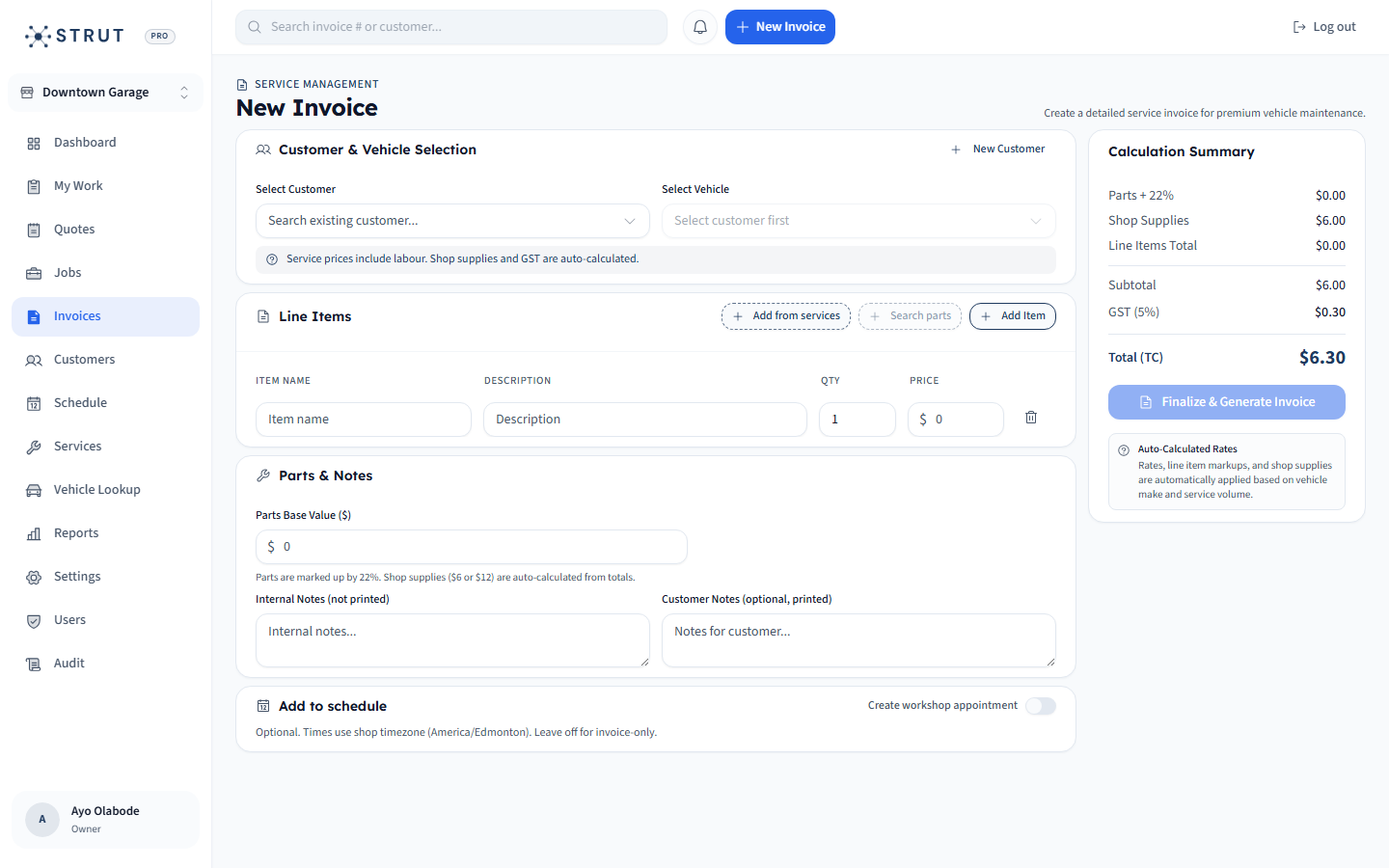
Final invoice review
Customer and vehicle
1Confirm the recipient and vehicle; a shared surname is not enough.
Work and charges
2Explain each line and investigate differences from the approved estimate.
Tax disclosure
3Check applicable tax treatment, registration details and total with your bookkeeper.
Balance
4Account for payments already received before requesting the remainder.
02 / Shop workflow guide
Check Canadian tax and provincial requirements
CRA explains how GST/HST must be disclosed and what invoice information supports input tax credit claims. Requirements depend on the transaction. Ontario has repair-specific estimate and invoice guidance; Alberta AMVIC explains authorization and written estimates; BC publishes vehicle-services PST guidance. This operational checklist does not establish universal legal compliance.
- Use the applicable CRA requirements for the invoice amount and transaction.
- Check the current provincial guidance for your shop and work type.
- Have the person responsible for tax configuration review a sample invoice.
03 / Shop workflow guide
Confirm payment status before sending
Review whether the invoice is unpaid, partially settled or already paid. Send the current document to the confirmed contact. A payment request is not proof of payment; resolve any discrepancy with the payment record before following up.
- Check prior payments and the remaining balance.
- Open the customer-facing invoice and verify the intended payment path.
- Keep the final invoice and follow-up outcome with the visit.
Map this to your shop